想いを色にアッズーリは、経営者の想いをソフトウェアという色(形)に変えることを支援します。「新ソフトウェア宣言」を中心に捉え、従来の工業製品としてではなく、新しいサービスの時代として、ビジネスや社会に溶け込んのソフトウェアのあり方を求め続けます。
- サービスアッズーリの提供するコンサルティング・サービスをご紹介します。
 アーキテクチャ設計
IT Architecture design
従来のような構造的なアプローチではなく、効果に直結する用法や意味を中心としたエンタープライズ・システムを構築します。
ボトムアップだけではなく、経営層の求める効果を得るためのアーキテクチャをビジネスプロセスや組織を含めて多角的に設計します。
また、不確実性の高い現代において市場や環境に対して柔軟且つ堅牢に変化させていくことにできる情報システムを求めます。 組織改善
組織改善Organization & Process
現代のビジネスにおいて情報システムは必要不可欠です。しかし、それらを運用する情報システム部門はコスト部門と捉えられ、投資部門のような効果を十分に得ることができていません。
情報システム部門を効果的に活かすことによって強い企業を構築します。
経営を実現させるために情報システムのアーキテクチャを背景としたフィードバックをビジネスプロセスの開発と運営、それを実現させる組織の運営を支援します。 経営または事業支援
Exective Coaching
多くの経営者は様々な立場で日々の計画を立てています。しかし、想いや計画がありまがらも情報システムに対する知識不足や多忙に追われそれらを実現できずにいるのではないでしょうか。
アッズーリでは、経営者の胸の中にある情報システムに対する想いをITのプロフェッショナルがコーチングし、発散させ整理、実現させることを支援します。 DrinKIT事業
Sports Bar SPALTI
「DrinKIT」とは、Drink と IT と Kit を意味します。
- Drink:モデルケースとなる業態のカフェやパブを意味する
- IT:情報技術(Information Technology)の活用および推進を意味する
- Kit: IT や経営モデルを道具化し、再販できるようにすることを意味する
事業店舗 → Sports Bar SPALTI - コンサルタント
専任コンサルタントのご紹介
 濱 勝巳 (Katsumi Hama)
CEO / Software Architect, Business Consultant
2000年からアジャイルプロセスの導入を推進し、物流や保険、証券を始めとする様々なドメインのエンタープライズシステムのアーキテクチャ設計及びプロジェクトマネジメントを担ってきました。- 株式会社アッズーリ 代表取締役
- 株式会社アジルコア 取締役
- アジャイルプロセス協議会 副会長(前会長)、知働化研究会、見積契約WGメンバー
- メタウェア研究所
- P-SEC WG2メンバー (活動終了)
- ソフトウェアファクトリ研究会理事(活動終了)
書籍
コンサルタントの執筆した書籍をご紹介します。

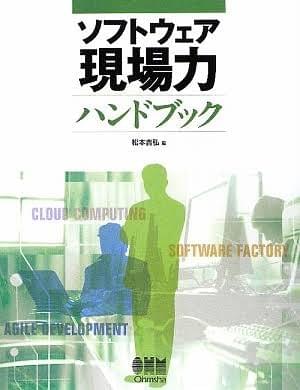
ソフトウェア現場力ハンドブック
オーム社、松本 吉弘 編(共著)2009年
アッズーリが開発したソフトウェア構築プロセスの「アジャイル・ソフトウェア・セル生産」を紹介しています。属人化しやすいアジャイルプロセスを組織的に導入するための方法を紹介しています。

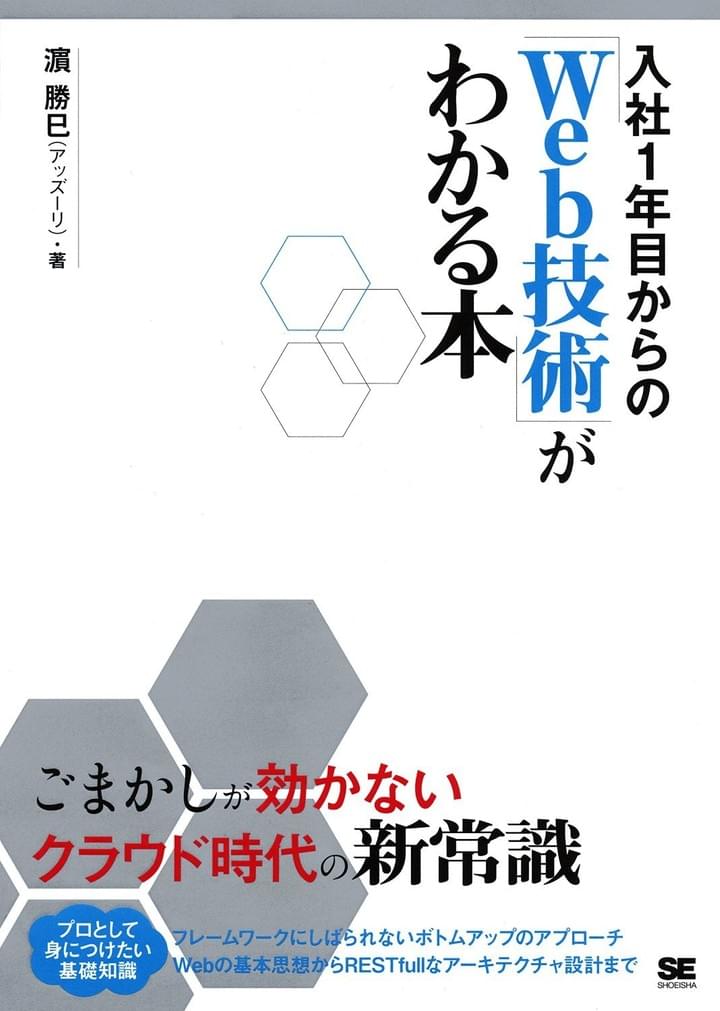
入社1年目からの「Web技術」がわかる本
翔泳社 2015年
入社1年目の技術者であっても知っておきたい「Web技術」の常識を紹介しています。